Groups Window
The Group Window provides an interface to associate Groups with sources or speakers. It also give access to the main parameters of these groups.
The HOLOPHONIX groups are based on the multiple selection capabilities of the user interface and allow for individual 3D representations for each group for improved ergonomics.
Sources Groups
Activation
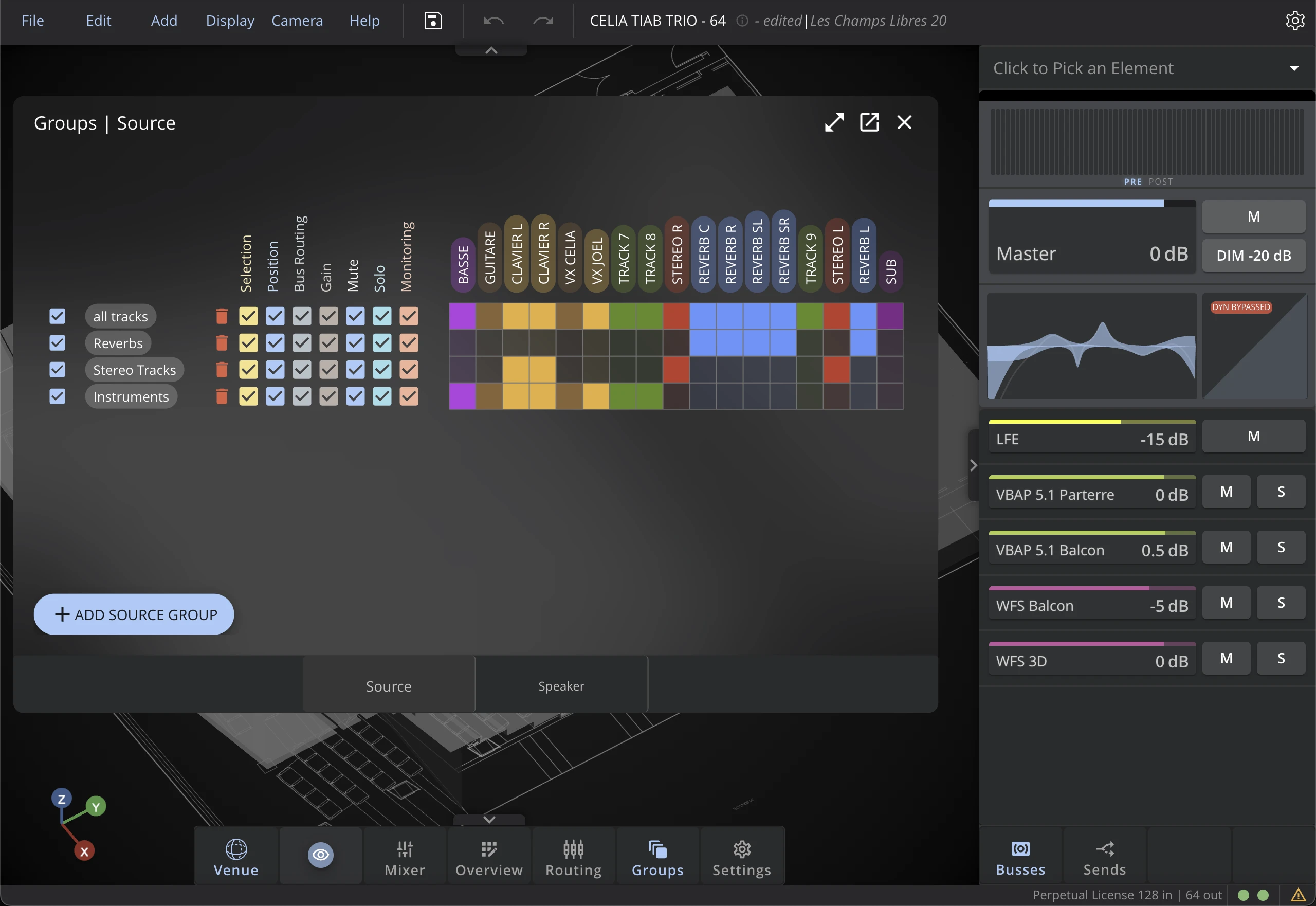
By default, groups are inactive. Click on the Activate button on the side panel or the checkbox on the groups tab to activate a group.
Linked Parameters
Some parameters can be included or excluded from the group, in order to choose which aspects of the sources are linked together.
Selection
When activated, selecting one Source of the Group in the 3D Venue will trigger the whole group to be selected.
Position
When activated, moving the Group position will move associated Sources.
Bus Routing
When routing a Source to a Bus, all the sources of the group will be routed to the same bus.
Gain
When activated, changing the gain of one source of the group will change the gain of all the sources in the group.
Mute
When activated, muting one source of the group will mute all the sources in the group.
Solo
When activated, soloing one source of the group will solo all the sources in the group.
Monitoring
When activated, changing the monitoring state of one source of the group will change the monitoring state of all the sources in the group.
Speakers Groups
Activation
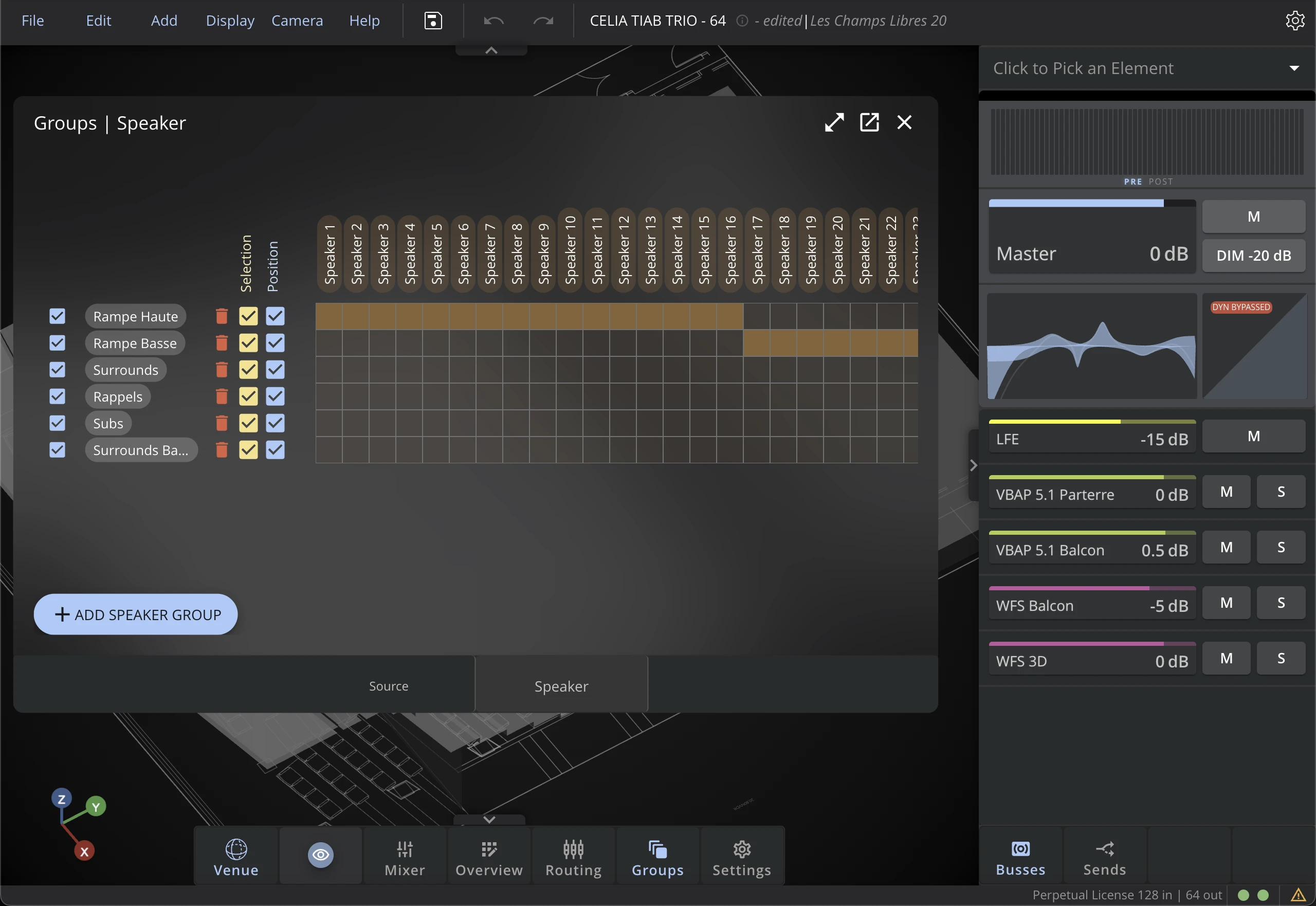
By default, groups are inactive. Click on the Activate button on the side panel or the checkbox in the groups tabs to activate a group.
Linked Parameters
Some parameters can be included or excluded from the group.
Selection
When activated, selecting one Speaker of the Group in the 3D Venue will trigger the whole group to be selected.
Position
When activated, moving the Group position will move associated Speakers.
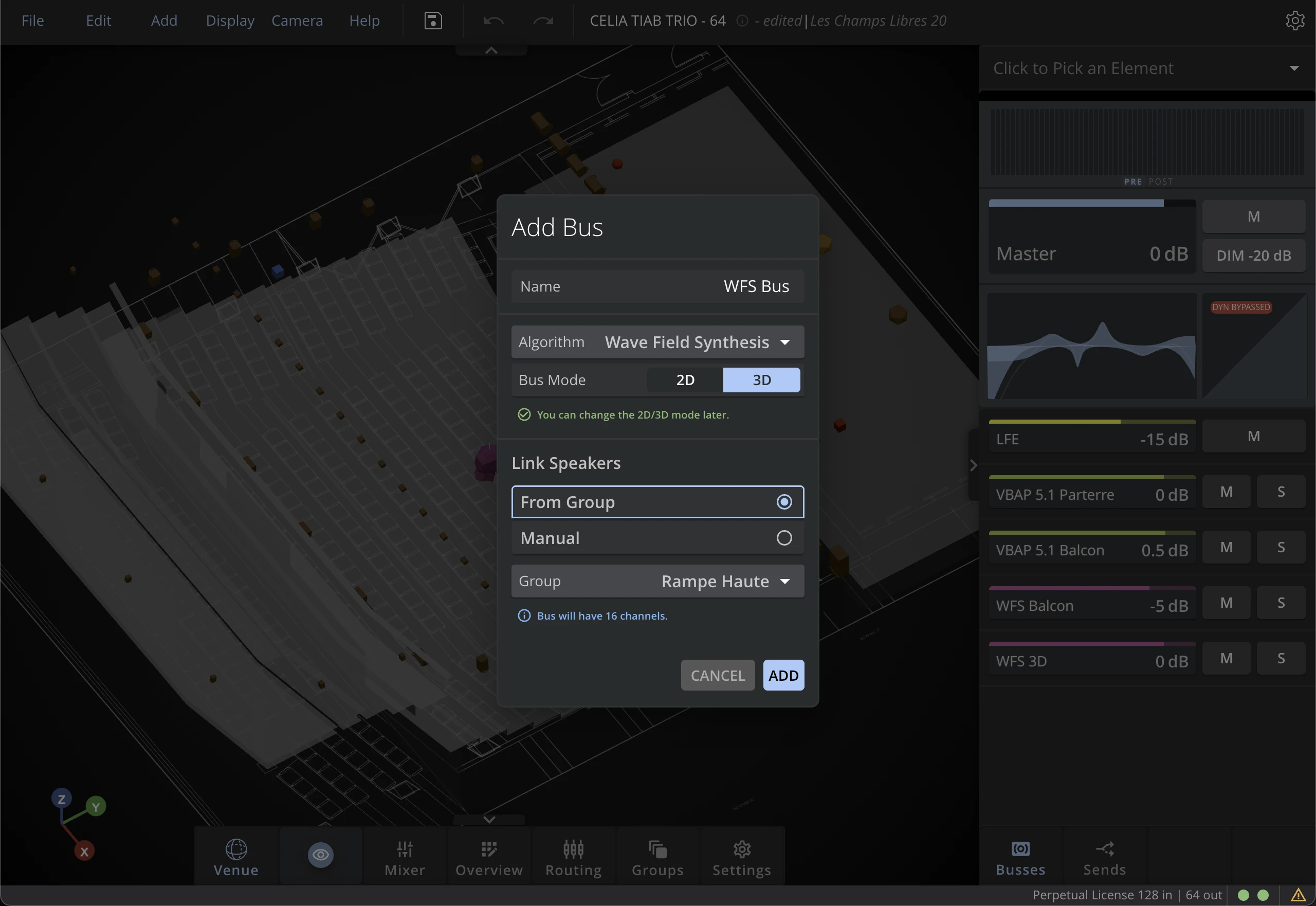
Speaker Groups offer a convenient way to add Spatialization Buses. Create Speaker groups for each of your sub systems (Main Speakers, Front Fills, etc.). When adding a bus, you can choose to automatically create the Bus from the selected Speaker Group. HOLOPHONIX will automatically adjust the number of channels and route the Bus outputs to the corresponding Speakers.